
Welcome to MediaRecorder
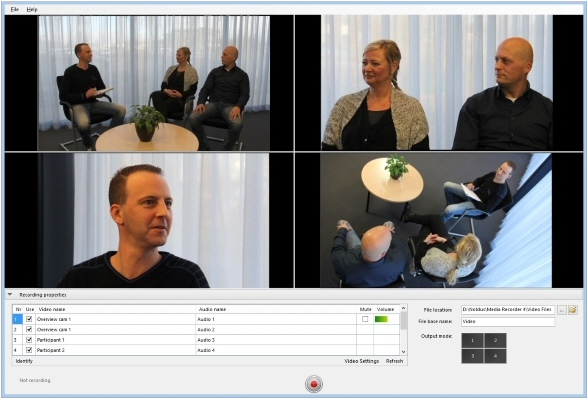
Main topics
What's new compared to version 6.2
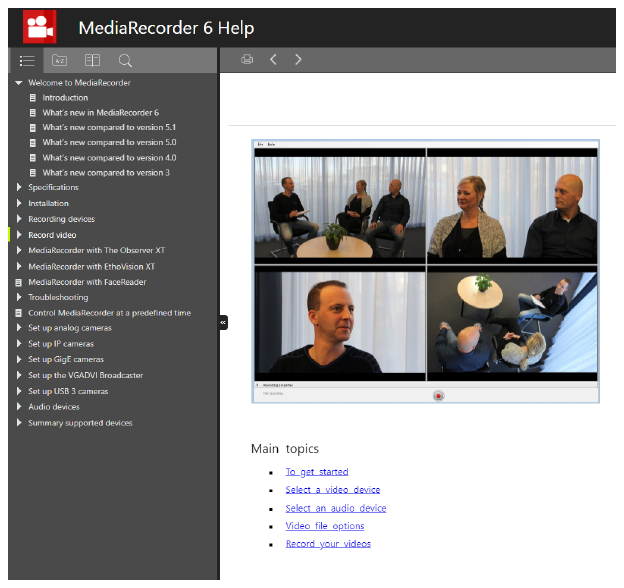
How to use this Help?
TIPS
- To use the Help at its best, set Internet Explorer, FireFox, Google Chrome or a similar browser, not Microsoft Edge, as the default browser.
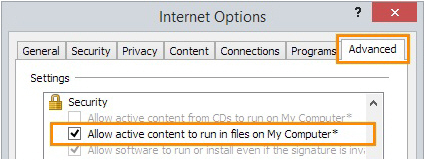
- If you keep getting the message “Internet Explorer restricted this webpage...”, do the following: in Internet Explorer, choose Tools > Internet Options > Advanced. Under Security, select Allow active content to run in files on My Computer. Click OK, then close and restart the Help.
- If you do not see the Table of Contents on the left, enlarge the Help window or zoom out (Ctrl+mouse wheel, or Ctrl+-).
- To search for two or more adjacent words, use quotation marks, for example “Action Unit”.
- To go back to the search results after visiting one of the result pages, click again on the magnifying glass icon in the Search field.

No comments to display
No comments to display