Set camera password and select power line frequency
Aim
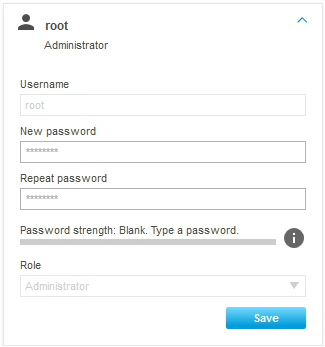
To give the camera a password, which is compulsory, and to select the power line frequency of your country.
Prerequisites
- You have Axis IP cameras that are supported with MediaRecorder.
See Supported IP cameras in Recording devices
- You followed the procedure in Ethernet card setup
- You connected all cameras.
- You gave the cameras an IP address.
Procedure
IP address
1.In the IPUtility tool, click the Home Page button. the camera now opens in a browser.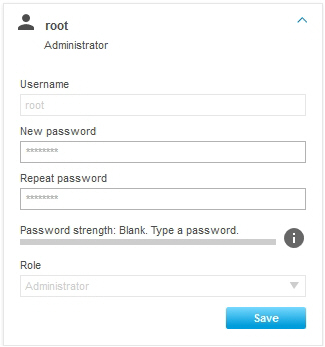
Alternatively, type the IP address in the address field of, for example, Internet Explorer.
Power line frequency
The first time you log in in the camera, you must select a power line frequency. Look up the correct power line frequency of your country on Internet.
Notes
- important Close the browser before you start recording. Leaving it open may cause recording problems in MediaRecorder.
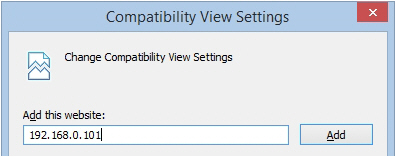
- If you do not get a view in Internet Explorer, click the Settings wheel in the upper-right corner of your window and choose Compatibility View
Settings.Settings. Enter the IP address of your camera and clickAdd.Add. Other browsers may have a comparable setting.