Configure the Basler USB 3 camera
Aim
To adjust settings in the USB 3 camera, like the video frame rate, resolution, and exposure.
note The camera settings are stored in the camera itself, not on the PC. When you work with multiple cameras, repeat the procedure for each camera.
Procedure
- Make sure MediaRecorder (and EthoVision XT, when present on the computer) are not running.
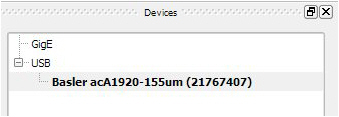
- Start the Basler Pylon Viewer software that comes with the USB 3 camera.

- note The Basler Pylon Viewer software is installed automatically when you install the camera drivers.